
Ready to Level Up Your Music Classroom? 10 Powerful Canva Tips Every Teacher Should Know
With Amy M. Burns
Looking for ways to save time while creating engaging, student-centered materials for your elementary music classroom? In this session, discover 10 practical and creative ways to use Canva to enhance your teaching—no design experience required.
Learn how to quickly design manipulatives, visual aids, rhythm activities, listening maps, and interactive slides that support musical understanding and student engagement. Explore time-saving features, including Canva AI tools, templates, and easy-to-edit graphics, that let you adapt resources for different grade levels and learning needs.
Walk away with ready-to-use ideas, templates, and inspiration to streamline your workflow while keeping music learning active, visual, and fun.
This Video Expires In
Upgrade To The All-Access Pass
Already a pass holder? Click Here to access your pass now!
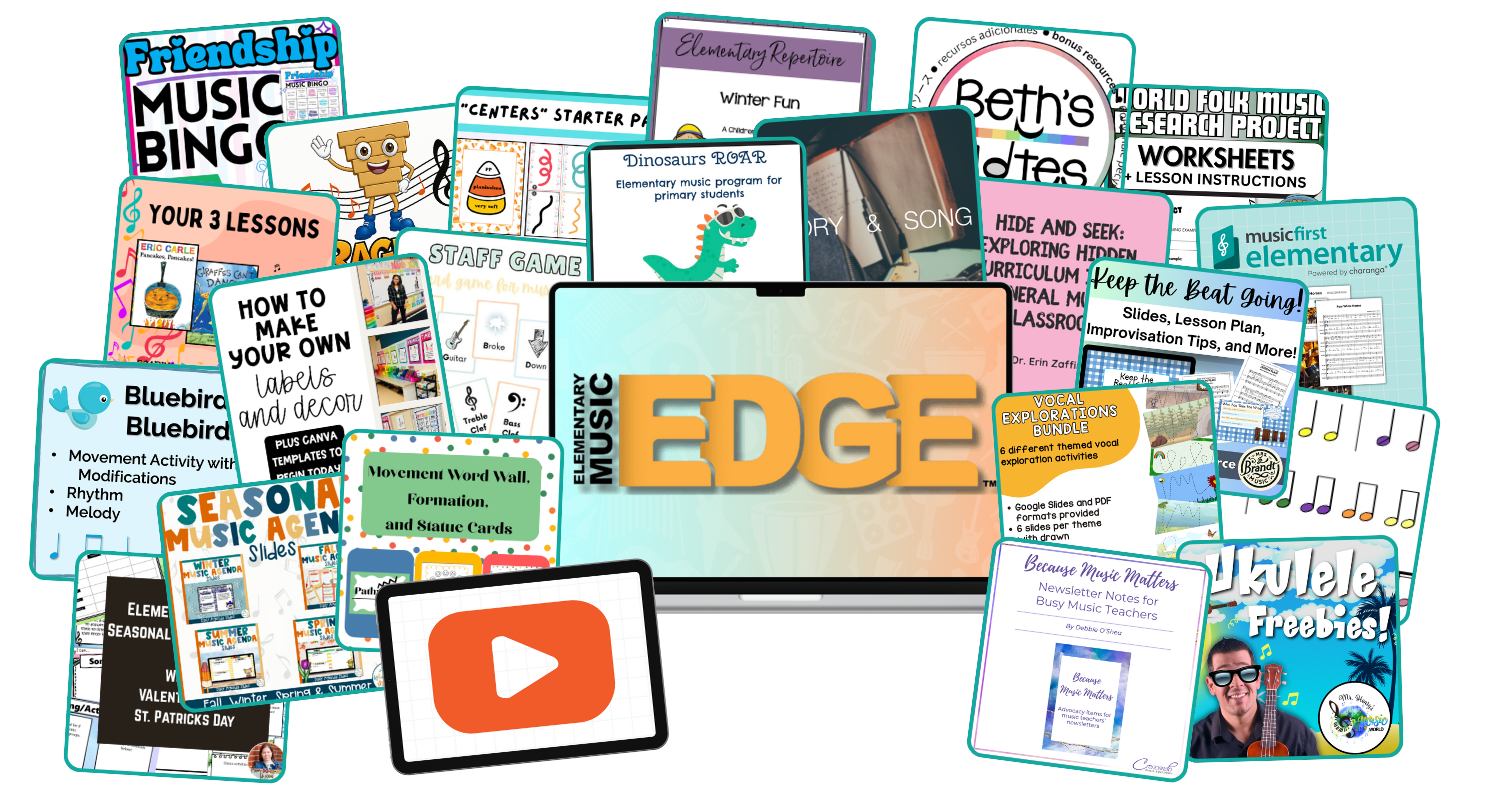
Upgrade your ticket to unlock over $2,400 worth of premium speaker bonuses, instantly providing you with the courses, templates, and toolkits you need to help you reignite student engagement, minimize mid-year behavior challenges, and finally feel supported and equipped for the rest of the school year.
Not to mention ongoing, one-year access to the summit presentations so you can revisit them whenever you need to and truly implement the high-quality strategies on your own time!